• Android Apps

One task. No extras.

Each app in this catalog is scoped to a single job. Download it, use it, done.
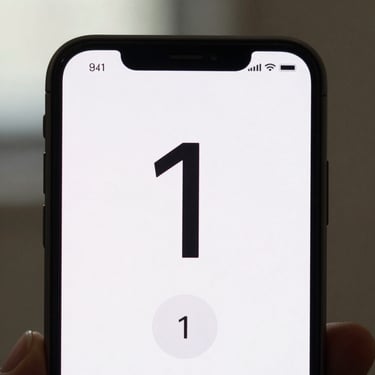
Close-up of an Android phone screen showing a minimal timer app UI — a single large countdown number on a near-white background, one start button, no other controls, soft indoor daylight, tight crop
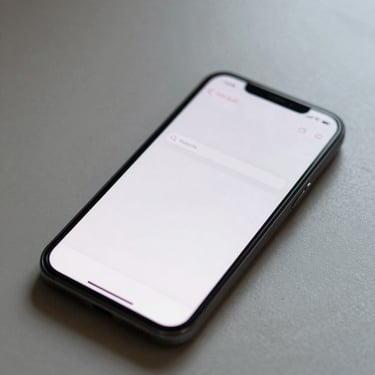
Overhead shot of an Android phone on a bare desk showing a note app with a single text entry field, cursor blinking, no toolbar visible, soft diffused window light, tight crop
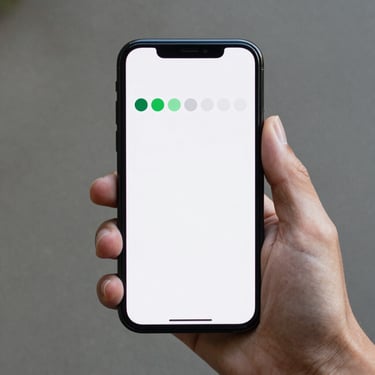
Hand holding an Android phone showing a minimal habit tracker — a row of seven small circles, two filled in green, on a white background, close-up, soft daylight, no background clutter
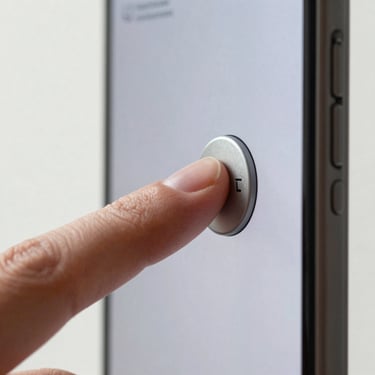
Close-up of a finger pressing a large mute toggle button on an Android phone screen, the button state changing to active, minimal UI, white background, soft indoor daylight, tight crop

Tick

Draft

Loop

Quiet

Plain-text notes that save instantly — no folders, no formatting, no sync accounts.

Tracks one daily habit with a single tap — no streaks dashboard, no reminders cascade.

A countdown timer that runs, pauses, and resets — nothing else on screen.

Silences your phone on a schedule you set once and never touch again.

Find them on Google Play

No account required to browse. Each listing is the full story — one screenshot, one sentence, one button.